

Description
Download Pixillion Premium Edition – image converter, image format conversion, batch image conversion, image editing tool, photo conversion software
Overview
Pixillion Premium Edition is a dedicated image conversion utility designed for Windows users seeking a reliable and efficient solution for transforming image files across multiple formats. The app addresses the common challenge of format incompatibility by enabling seamless conversion between widely used image types such as JPEG, PNG, GIF, BMP, and more. It is particularly useful for individuals and professionals who regularly handle digital media, including photographers, designers, content creators, and administrative staff managing document workflows.
By allowing users to convert images quickly and accurately, Pixillion Premium Edition streamlines digital asset management, reduces dependency on multiple tools, and enhances productivity. Its ability to process multiple files at once makes it a valuable asset in environments where time efficiency is critical. The application is developed by NCH Software, a company known for producing practical, no-frills tools for creative and technical workflows.
Real-world use cases include preparing images for web publishing, resizing files for email attachments, or converting legacy formats into modern standards. The app fits within the broader productivity ecosystem by simplifying one of the most repetitive tasks in digital content handling. While the developer did not provide additional technical details about system integration or cloud capabilities, the core functionality remains focused and purpose-built.
Key Features & Functionality
- Intuitive User Interface: Designed for accessibility, the interface allows users to navigate core functions without technical expertise. Even first-time users can locate conversion tools and initiate tasks within seconds.
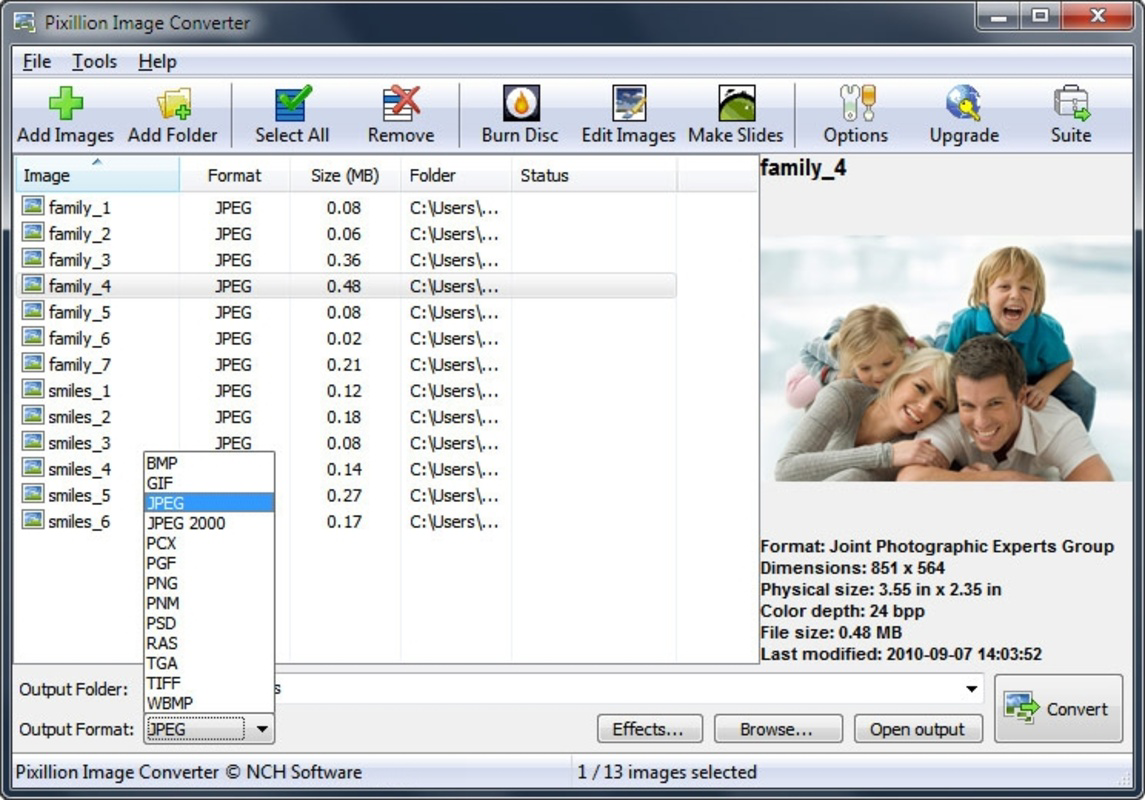
- Multiple Format Support: Supports a broad spectrum of image formats, ensuring compatibility with both common and niche file types used across platforms and devices.
- Batch Processing Capability: Users can add multiple files from different folders and convert them simultaneously, significantly reducing manual effort during large-scale operations.
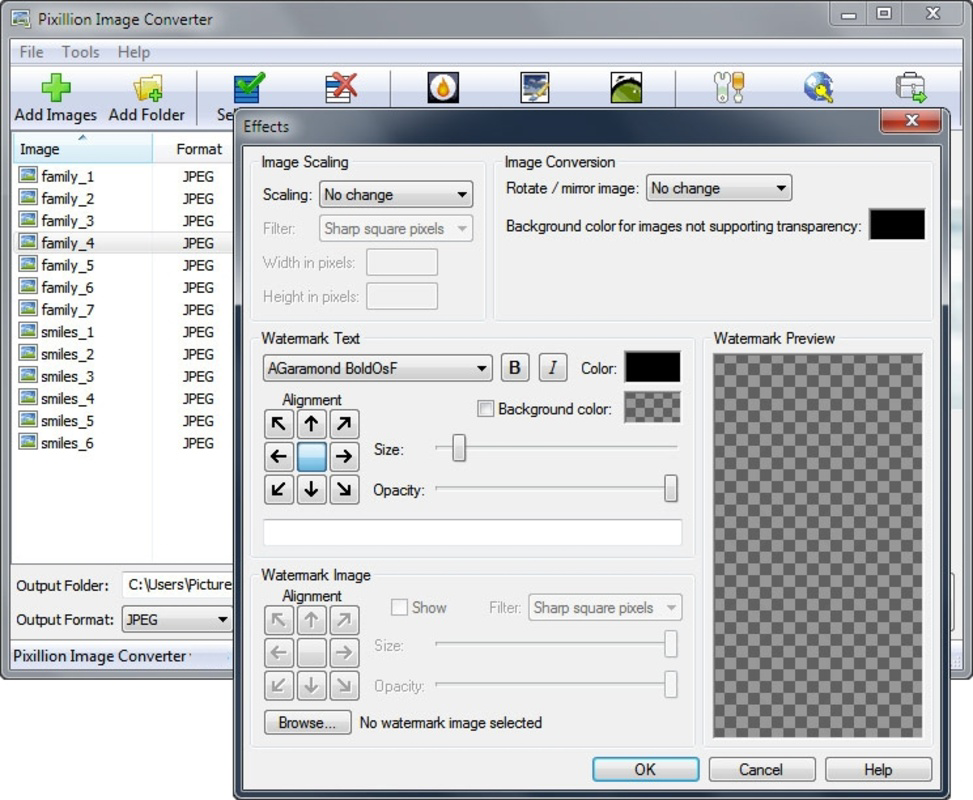
- Image Effects Integration: Before conversion, users can apply built-in effects such as brightness adjustment, contrast enhancement, and rotation, improving image quality without requiring external editing software.
- Fast and Efficient Conversion: Optimized processing ensures minimal wait times, maintaining image fidelity while delivering rapid output, ideal for time-sensitive workflows.
For example, a marketing team preparing 50 product images for an e-commerce site can import all files, apply consistent effects, and convert them to web-optimized JPEGs in a single operation. Similarly, a graphic designer archiving old project files can convert a folder of TIFFs into PNGs with preserved clarity. These real-world scenarios highlight how Pixillion Premium Edition enhances workflow efficiency and reduces tool fragmentation.
Interface, UX & Performance
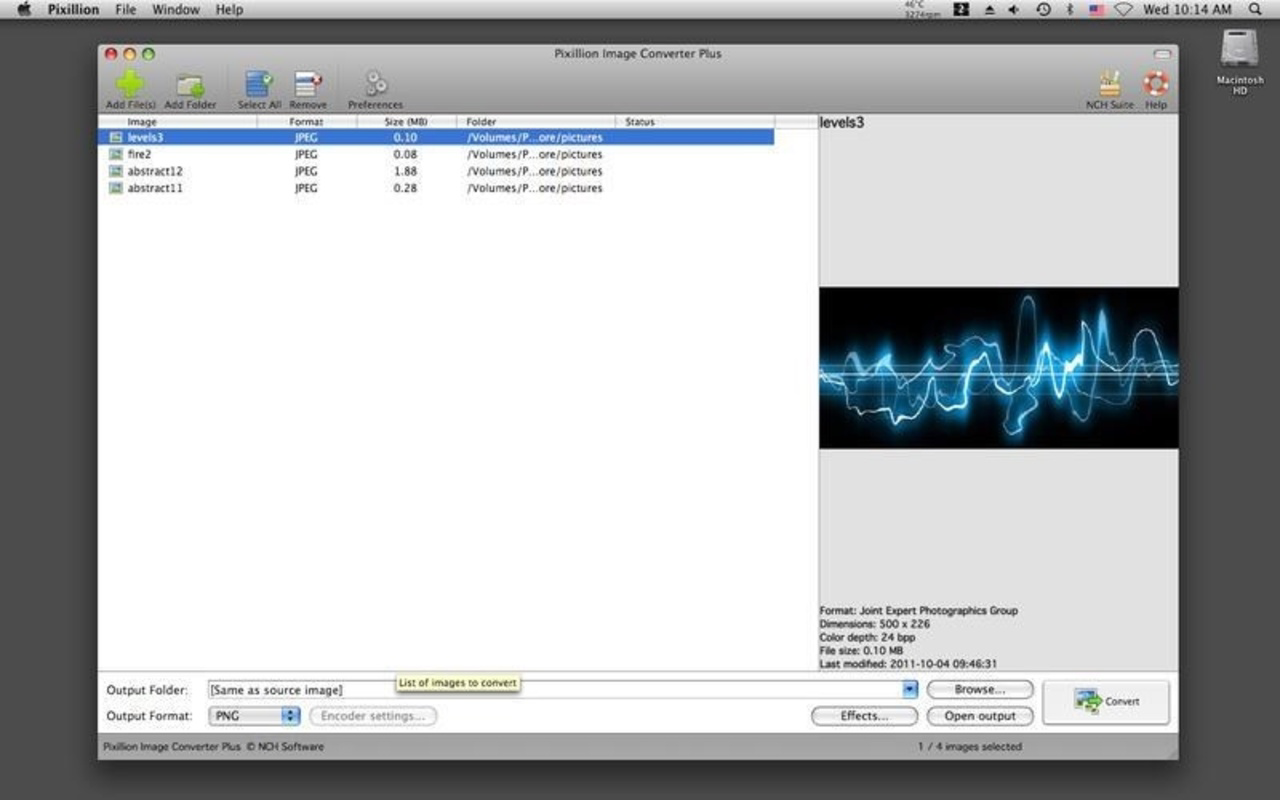
The user interface of Pixillion Premium Edition is clean and minimal, focusing on core functionality without clutter. Navigation is linear and predictable, with conversion settings accessible through clearly labeled menus and buttons. The layout prioritizes ease of use, allowing users to drag and drop files directly into the workspace or browse through folders to select assets.
Although the developer did not list formal performance metrics, the app demonstrates consistent responsiveness during file processing. Users can expect smooth operation across mid-tier and high-end Windows systems, with minimal lag during batch conversions. Stability appears reliable under typical usage conditions, though no specific information was provided about crash rates or memory usage.
On devices with limited resources, the app maintains acceptable performance, though the exact thresholds were not disclosed. The application does not appear to consume excessive system resources during operation, suggesting efficient code execution. Overall, the UX is optimized for speed and clarity, aligning with its productivity-focused purpose.
Platform Compatibility & Technical Requirements
Pixillion Premium Edition is designed exclusively for the Windows platform. It is compatible with Windows operating systems, though specific version requirements were not listed by the developer. The application has a file size of 25.7 MB, making it lightweight and suitable for installation on systems with limited storage capacity.
Users can expect the app to run on standard Windows hardware, though detailed technical specifications such as RAM or processor requirements were not provided. The software version is 7.05, indicating a mature release with established functionality. No information was shared regarding updates, automatic sync, or cloud integration, leaving users to rely on manual installation and version management.
Pros and Cons
Pros
- Efficient batch processing for multiple image conversions
- Supports a wide range of image formats
- Integrated image effects reduce need for additional software
- Lightweight file size suitable for low-storage devices
- Intuitive interface designed for users of all skill levels
Cons
- Available only for Windows, limiting cross-platform use
- No information on minimum OS or hardware requirements
- Price point may be high for casual users
- Does not support cloud-based file access or syncing
- Limited to desktop use; no mobile or web version available
FAQ
Is Pixillion Premium Edition available for free?
Pixillion Premium Edition is a paid application priced at $39.95. There is no free version available, though users may find trial options through the developer’s website.
Can I convert images in bulk using this tool?
Yes, the app supports batch processing, allowing users to add multiple files from different folders and convert them simultaneously.
Does Pixillion Premium Edition work on Mac or Linux?
Currently, the application is only available for Windows. There is no official version for Mac or Linux systems.
What image formats does it support?
Pixillion Premium Edition supports a wide range of formats including JPEG, PNG, GIF, BMP, TIFF, and others commonly used in digital imaging.
How do I update Pixillion Premium Edition?
Updates are managed manually through the developer’s website. Users should check for new versions periodically to ensure they have the latest features and security patches.
Final Thoughts + CTA
Pixillion Premium Edition stands out as a focused, high-performance tool for users who require reliable image conversion on Windows. Its combination of batch processing, format flexibility, and built-in editing features makes it a strong choice for professionals and power users alike. While the lack of cross-platform availability and a higher price point may deter casual users, its efficiency and ease of use justify the investment for those managing frequent image workflows.
Whether you're preparing content for the web, organizing digital archives, or streamlining design projects, this app delivers tangible productivity gains. Its lightweight design and straightforward interface ensure minimal friction during daily use.
Download Pixillion Premium Edition now
Guides & Tutorials for Pixillion Premium Edition
How to install Pixillion Premium Edition
- Click the Preview / Download button above.
- Once redirected, accept the terms and click Install.
- Wait for the Pixillion Premium Edition download to finish on your device.
How to use Pixillion Premium Edition
This software is primarily used for its core features described above. Open the app after installation to explore its capabilities.
User Reviews for Pixillion Premium Edition 0
No reviews found


